Seamless Travel: Your Guide to Applying for a Business Visa Online
In an increasingly digitized world, the process of securing a business visa has evolved significantly. Gone are the days when every application mandated a physical visit to an embassy or consulate. Today, many countries offer streamlined online application portals, making global business travel more accessible and efficient. If you're planning an international business trip, understanding how to "apply for a business visa online" can save you time, effort, and stress.

What is a Business Visa (and Why Apply Online)?
A business visa (often a type of short-stay visitor visa) is specifically designed for individuals travelling to a foreign country for business-related activities. These typically include attending meetings, conferences, training sessions, negotiating contracts, conducting market research, or exploring investment opportunities. Crucially, a business visa does not usually permit you to take up employment, provide paid services to a local entity, or directly engage in sales to the public in the destination country.
The shift towards online visa applications is a boon for busy professionals. The benefits are clear:
Convenience: Apply from anywhere, anytime, without needing to travel to a consulate or visa center for initial submission.
Speed (of submission): Fill out forms and upload documents at your own pace.
Accessibility: Especially beneficial for applicants in remote areas.
Real-time Updates: Many online portals offer tracking features, allowing you to monitor your application's status.
Reduced Paperwork: Less printing and physical document handling, though digital copies are essential.
The General Steps to Apply for a Business Visa Online
While the specifics vary by country, the fundamental process for applying for a business visa online generally follows these steps:
Identify the Correct Visa Type & Destination Country's Requirements:
Before anything else, confirm if your nationality requires a visa for your destination country for business purposes. Some countries offer visa-free entry or eVisa on arrival for certain nationalities.
Visit the official immigration website of the destination country or its embassy/consulate in your country of residence. Look for "Business Visa," "Visitor Visa for Business Purposes," or similar categories.
Understand the specific allowed activities under this visa and its validity period (e.g., 30-day single entry, 90-day multiple entry).
Check Eligibility and Gather Digital Documents:
Review the detailed list of required documents. These almost always include your passport, invitation letter from the host company, a letter from your own company, financial proofs, travel itinerary, accommodation details, and sometimes medical insurance.
Scan all physical documents into high-quality digital files (PDF, JPEG, etc.) adhering to specified file size and format requirements. Ensure clarity and completeness.
Complete the Online Application Form:
Access the designated online visa portal. You'll likely need to create an account.
Fill out the application form meticulously. Be accurate and consistent with the information provided (e.g., matching passport details exactly). Any discrepancies can lead to delays or rejection.
Upload all your prepared digital documents as requested.
Pay the Visa Application Fee:
Most online portals integrate a secure payment gateway. You'll typically pay using a credit or debit card. Ensure you have sufficient funds and note any transaction fees.
Keep a record of your payment confirmation.
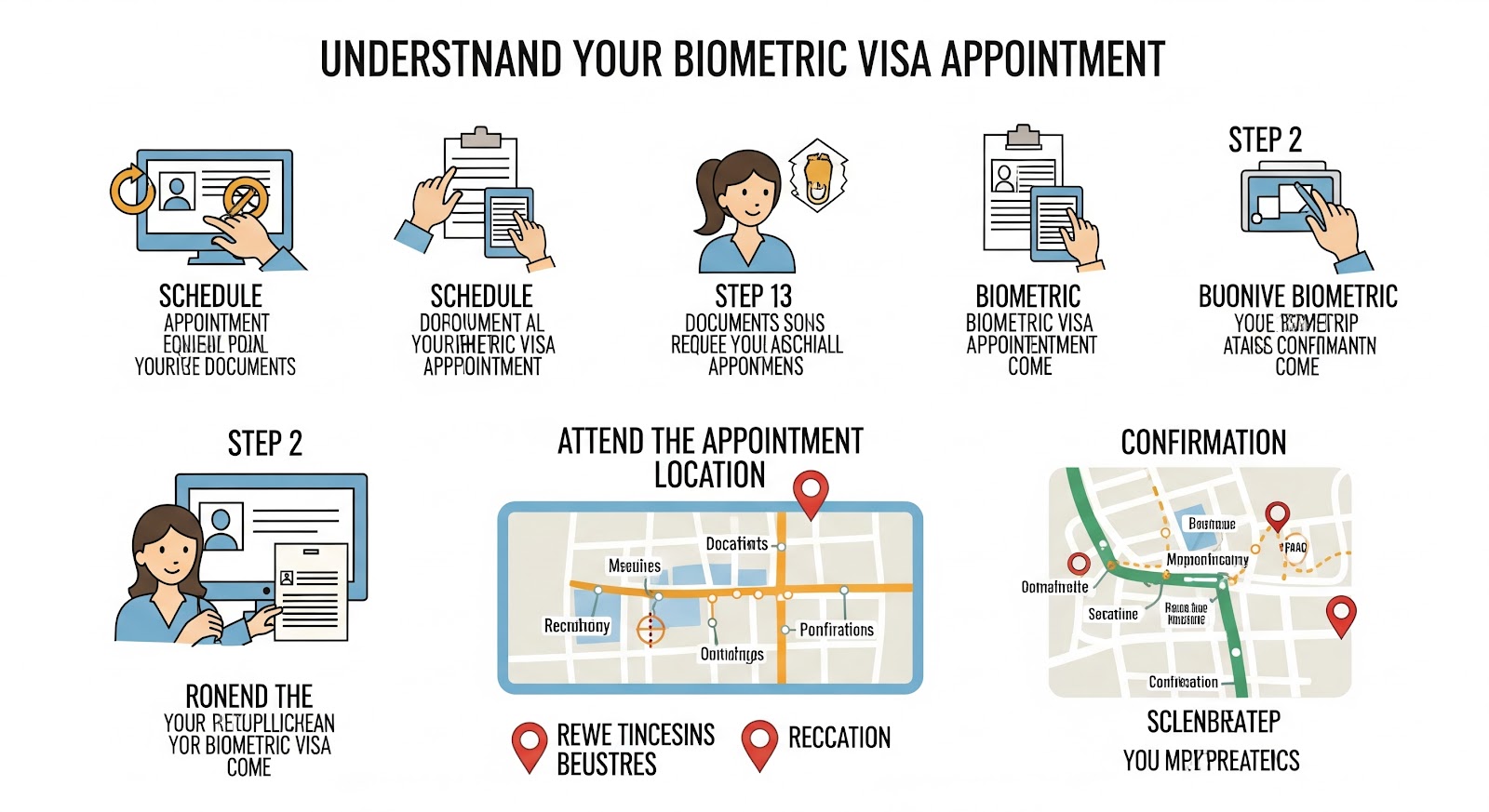
Schedule Biometrics/Interview (If Required):
Even for online applications, many countries still require applicants to visit a visa application center (like VFS Global or TLScontact) or an embassy/consulate for biometric data collection (fingerprints and photograph) and/or a brief interview.
The online system will usually prompt you to schedule this appointment after successful submission of your digital application. This is a crucial step that cannot be skipped.
Submit and Track Your Application:
Once all steps are completed (online form, document upload, fee payment, and biometrics/interview if applicable), formally submit your application.
You will receive a confirmation email with a reference or tracking number. Use this number on the official portal to monitor your application's progress.
Receive Your Visa (Electronically or via Passport):
If approved, your visa may be issued as an e-visa (emailed to you to print) or you might be asked to collect your passport with the visa sticker from the application center.
Key Documents You'll Likely Need (Digitally):
Scanned copy of your passport (bio-page, previous visas/stamps).
Digital passport-sized photograph (meeting specific dimensions and background requirements).
Invitation letter from the host company in the destination country.
Cover letter from your own company, explaining the purpose of travel, your role, and financial sponsorship.
Proof of financial means (bank statements, company sponsorship letters).
Flight itinerary and accommodation bookings.
Travel insurance proof.
Company registration documents (for your own business).
Any relevant business correspondence or conference invitations.
Important Considerations and Tips:
Only Use Official Websites: Beware of unofficial "visa service" websites that charge exorbitant fees or provide incorrect information. Always start your journey from the official government immigration website of the destination country or their embassy/consulate in your region.
Read Instructions Carefully: Every country's system is unique. Pay close attention to file formats, size limits, and specific questions.
Start Early: While online applications are quicker to submit, processing times can still vary (from a few days to several weeks). Factor in potential delays, especially during peak seasons.
Keep Records: Save all confirmations, payment receipts, and submitted forms.
Technical Requirements: Ensure you have a stable internet connection and compatible browser. Some portals might have specific software requirements.
Applying for a business visa online has streamlined international travel significantly. By being prepared, thorough, and utilizing official channels, you can navigate the process with confidence and focus on your business objectives abroad.
Frequently Asked Questions (FAQ) about Applying for a Business Visa Online
Q1: Can I apply for all business visas online?
A1: No, not all countries offer fully online business visa applications. While many have digitized parts of the process (like the initial form), some still require physical document submission or in-person interviews at embassies/consulates.
Q2: What are the main advantages of applying for a business visa online?
A2: Convenience (apply from anywhere), faster initial submission, ease of tracking application status, and reduction in physical paperwork.
Q3: Do I still need to visit an embassy or visa center if I apply online?
A3: For many online applications, yes. You often need to visit a designated visa application center or embassy/consulate for biometric data collection (fingerprints and photo) and sometimes for a short interview, even if the initial form submission is online.
Q4: What documents do I typically need to upload for an online business visa application?
A4: Common documents include scanned copies of your passport, a digital passport-sized photo, invitation letter from the host company, cover letter from your employer, financial proofs, flight and accommodation bookings, and travel insurance.
Q5: How can I ensure my uploaded documents are accepted?
A5: Ensure documents are clear, legible, and meet the specified file format (e.g., PDF, JPEG) and size limits. Always check the official guidelines provided by the visa authority.
Q6: How do I pay the visa fees when applying online?
A6: Most online portals use secure payment gateways, allowing you to pay with a credit or debit card. Always confirm the accepted payment methods on the official website.


Comments
Post a Comment